People searching for Ornova Labs apps usually do not need another definition. They need a method they can use when the day is busy, the information is incomplete and somebody will ask for the record later. This guide is written for that moment. The workflow also connects naturally with an Ornova Labs tool built for this job.
An updated overview of the Ornova Labs product catalogue, from railway reporting and inspections to travel expenses, vehicle costs, examinations and club administration. The aim is a reliable working habit, not a perfect-looking document that collapses under real conditions.
The essentials that make the method work
Railway reporting
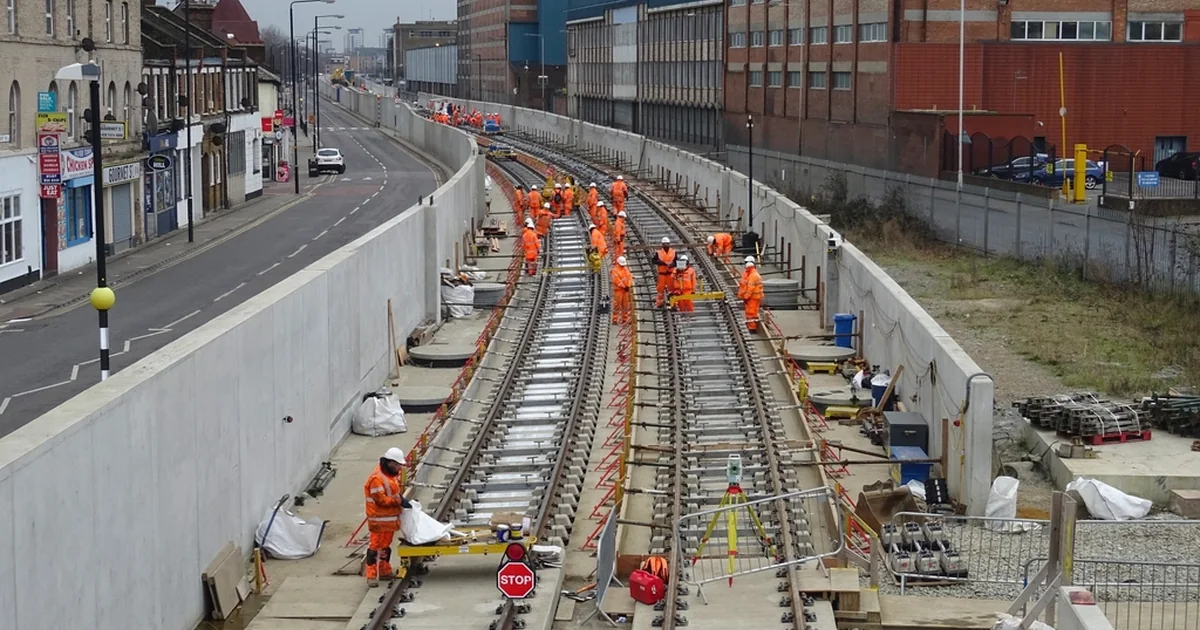
Railway PPT, Railway DPR and Railway DPR v2 turn field inputs into consistent presentations and progress records.
Inspection and field movement
RailCheck Pro structures asset inspections, while Railway TA keeps daily movement evidence ready for claims.
Learning
Rail LDCE Prep supports focused browser-based practice around departmental examinations.
Travel and vehicles
Trip Manager and Vehicle Manager organise shared expenses, fuel, mileage, maintenance and reminders.
Community administration
KBJCL Club & Library brings membership, accounts, events and lending workflows together.
A repeatable step-by-step workflow
- Choose. Start from the real task rather than the technology
- Open. Read the product page and documentation
- Try. Use the live browser app
- Verify. Check outputs against your own requirements
- Respond. Send feedback where the workflow could be clearer
A useful workflow should survive interruptions. If you stop halfway through, another person should still be able to see what is complete, what remains open and which evidence supports the entry. That is why short notes captured at the source beat polished recollections written days later.
A realistic example
A site engineer may use Railway DPR v2 for daily construction records and RailCheck Pro for controlled asset inspections. The products share a practical philosophy, but each keeps the fields and approvals appropriate to its job.
The lesson is not that every project needs the same form. It is that the decision, evidence and next action should stay connected. Once those three pieces separate, teams lose time reconstructing the story.
Common mistakes and how to avoid them
- Expecting one general app to replace specialist workflows.
- Entering live or sensitive data before understanding the product's access model.
- Treating generated output as automatically approved.
- Skipping documentation and assuming every product uses the same steps.
These mistakes look small in isolation. Repeated across a month, however, they produce duplicate work, weak records and decisions based on memory. A five-minute check at capture time is normally cheaper than a one-hour reconstruction later.
Quick checklist
- Railway reporting checked and recorded
- Inspection and field movement checked and recorded
- Learning checked and recorded
- Travel and vehicles checked and recorded
- Community administration checked and recorded
- Owner and next action identified
- Supporting photo, reading or source attached where relevant
- Final entry reviewed for clarity before sharing
Authoritative reference and further reading
This guide is original Ornova Labs editorial content. For rules, standards or safety-critical decisions, always use the current controlled document issued by the responsible authority. A useful starting point is About Ornova Labs. The external link is provided as a reference, not as an endorsement or a substitute for project-specific requirements.