
Most software is built and tested on fast office wifi, and it shows. Open the same app on a construction site, a remote stretch of railway line, or a moving vehicle, and it falls apart, because it quietly assumed a connection that simply is not there. Our users are very often in exactly those places, with one bar of signal or none, which means patchy connectivity is not an edge case for us. It is the normal case, and we design for it from the start.
This is an honest look at the choices that go into software that has to work where the network does not. None of it is exotic. It is mostly a refusal to assume the good connection that the field rarely provides.
The field is not the office
On a desk, the network is fast, stable and basically free. In the field it is none of those: signal comes and goes behind a building or a cutting, speeds drop to a crawl, and data may genuinely cost the user money. An app designed for the desk treats a slow or dropped connection as a rare error. An app designed for the field treats a good connection as a lucky bonus and is built to stay useful without one. That single change of assumption drives almost every decision that follows.
If your software only works on a strong signal, it does not work in the field. It works in the office and visits the field.
Design for the worst bar, not the best
The simplest discipline is to design for the weakest connection a user is likely to have, not the strongest. That means testing on a throttled, flaky connection rather than only on office wifi, and treating "what happens on one bar?" as a real question with a real answer, not an afterthought.
Keep the payload tiny
On a weak connection, every kilobyte is time the user waits and data they may be paying for. So we keep what has to travel small: lean pages, little JavaScript, images sized to what is actually shown and lazy-loaded, and assets that are cached so a return visit barely touches the network. A heavy single-page bundle that has to download megabytes before it shows anything is the worst possible design for a field user, because on one bar it may simply never finish.
Save fast, and forgive a bad connection
The cruellest failure in field software is the one that loses what someone just typed because the connection dropped at the wrong moment. So saving has to be quick and forgiving. We aim to make a save lightweight enough to slip through a brief window of signal, to give the user clear feedback about whether their work is safely stored, and to handle the dropped-connection case without simply throwing the entry away. A worker who has just recorded a day's progress on a windy site should never be punished for the network blinking.
Send the minimum, ask once
Every round trip to the server is a chance for a slow connection to stall, so the fewer of them, the better. That pushes us towards sending only the data a screen genuinely needs rather than everything just in case, fetching reference data, like long lists, once and reusing it instead of asking again and again, and avoiding the chatty back-and-forth that feels free on wifi and painful on a weak mobile link. Less talking to the server means fewer chances to get stuck.
Fail gracefully, never lose work
Things will still go wrong, so the question becomes how the software behaves when they do. The goal is to fail in a way that keeps the user informed and their work intact, rather than freezing on a blank screen or a spinner that never resolves. A clear "you're offline, we'll keep this" is worth far more than a silent stall, because it tells the user what is happening and lets them carry on. Modern browsers even expose hints about the connection, through the Network Information API and the Save-Data signal, which thoughtful software can use to lighten itself further when the network is poor.
The phone is the field computer
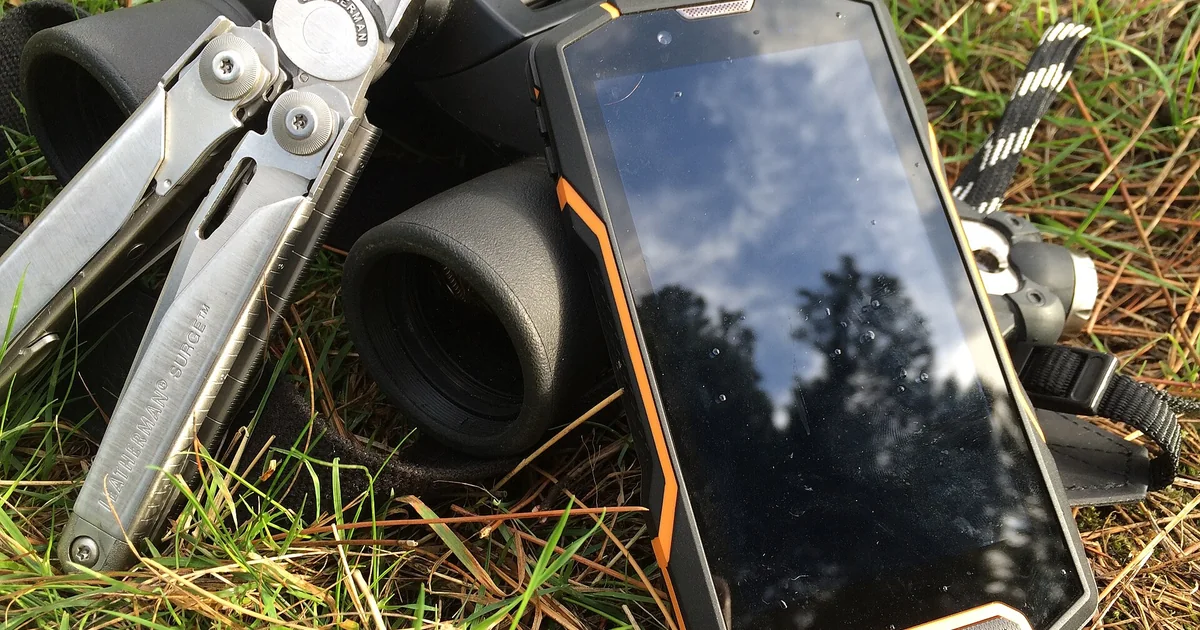
In an office the computer is a laptop; in the field it is a phone, often an older one, held in one hand, in bright sun, by someone who is also doing a physical job. That reality shapes more than the network. It means big, reachable controls, text that is readable outdoors, forms that are quick to fill with a thumb, and an interface that does not assume a mouse or a big screen. Mobile-first is not a slogan for us; it is just an accurate description of where the work happens.
The principles we hold to
- Assume the worst bar. Design and test for weak and dropped signal, not office wifi.
- Keep it light. Small pages, little JavaScript, sized images, cached assets.
- Make saving quick and forgiving. Never punish a user for the network blinking.
- Minimise round trips. Send what's needed, fetch reference data once, stop chattering.
- Fail clearly, not silently. Tell the user what's happening and protect their work.
- Design for a phone in the field. Big controls, readable outdoors, thumb-friendly.
None of this is glamorous, and that is rather the point. Software that works on a weak connection is not built from a clever trick; it is built from a steady refusal to assume the good network that the field so rarely provides. Get that assumption right and the same app that holds up on one bar in a cutting also feels instant back in the office. Get it wrong and you have built something that only ever really worked at your desk.